

Short answer: After a decade of work trips I keep five apps: Google Flights for price-tracking, TripIt for itineraries my wife can see, my hotel loyalty app (Marriott Bonvoy) for 1 AM mobile check-in, Wise to kill foreign transaction fees, and Google Maps Offline for when the Wi-Fi quits. Five that survive failures. Everything else got deleted.
I’m not a tech reviewer. I’m a dad who travels for work. After a decade of trips, my phone has been through every “must-have” app on the internet — and most of them got fired.
How My Phone Got Cluttered, Then Slim Again
Around 2019, my home screen looked like a travel-blogger fever dream.
I had four flight apps, three currency converters, two language apps I never opened, a “minimalist” packing checklist, a sleep tracker, a jet lag calculator that gave me different answers every time, and an app that was supposed to find me the cheapest taxi — except in three different countries it sent me a driver who never showed up.
My wife noticed it before I did.
“You spend more time managing your travel apps than packing,” she told me one Sunday night before a Tuesday flight to Panama. She wasn’t wrong. I was tapping through five different screens to figure out the same thing every other app already told me.
Somewhere between Panama City and Bangkok, I started deleting things. Not because I read a productivity blog, but because every extra app I opened in transit was one more thing to fail at the worst possible moment. Bad Wi-Fi, dead battery, dim brain at 4 AM in a foreign airport — the apps I trust today are the ones that survived all of that.
Here’s the short list. Five apps that earn their spot. Three I removed and don’t miss. And a few honest opinions about the ones everyone tells you to install.
App #1: Google Flights — Not for Booking, for Watching
I know. Everyone uses Google Flights. The unpopular take is how you should use it.
I almost never book through Google Flights directly. I use it as a radar.
I tell it the airports I’m likely to fly between, set up tracked flights for the dates of the trade shows I already know about, and let it ping me when fares drop or rise sharply. That’s it. By the time I’m ready to book, I already know whether the price I’m seeing is good or bad — not in the abstract, but compared to last week.
The reason this matters: when you’ve picked one airline and one hotel chain like I have, you’re not chasing the cheapest flight. You’re checking whether your airline is ripping you off this week, or actually competitive. Google Flights tells you that for free.
I don’t recommend booking through it because every time something’s gone sideways — a missed connection in Frankfurt, a schedule change in Tokyo — I’ve been glad I had a direct relationship with the airline, not a third-party booking ID floating in the void.
App #2: TripIt — Because My Wife Asks Where I Am
This one isn’t for me. It’s for my wife.
I forward every confirmation email to [email protected] — flight, hotel, rental car, restaurant booking, the lot — and TripIt builds a clean, chronological itinerary I can share with her with one tap.
Before TripIt, the conversation went like this:
Her: “What time do you land?”
Me: “I think 6? Let me check… one second… my email is loading…”
Now she opens her phone and sees the whole trip. Flight number, terminal, hotel address, the dinner reservation on Wednesday. If something changes — and on long-haul flights things change — TripIt updates and so does she.
It also means that when I land at 11 PM in São Paulo and forget which hotel I’m staying at because they all start to blur together, I have a one-tap answer waiting.
The free version is plenty. I tried Pro for a year. The “alerts about better seats” feature was the only thing I missed when I downgraded, and even that I now handle through my airline’s app directly.
One small thing that’s worth mentioning: TripIt also keeps a quiet record of every trip you’ve taken. Last year my accountant asked for the days I’d been in Mexico for a tax thing and instead of digging through emails for 90 minutes, I had it on a single screen in 30 seconds. That’s a side benefit nobody advertises but it pays for itself the first time you need it.
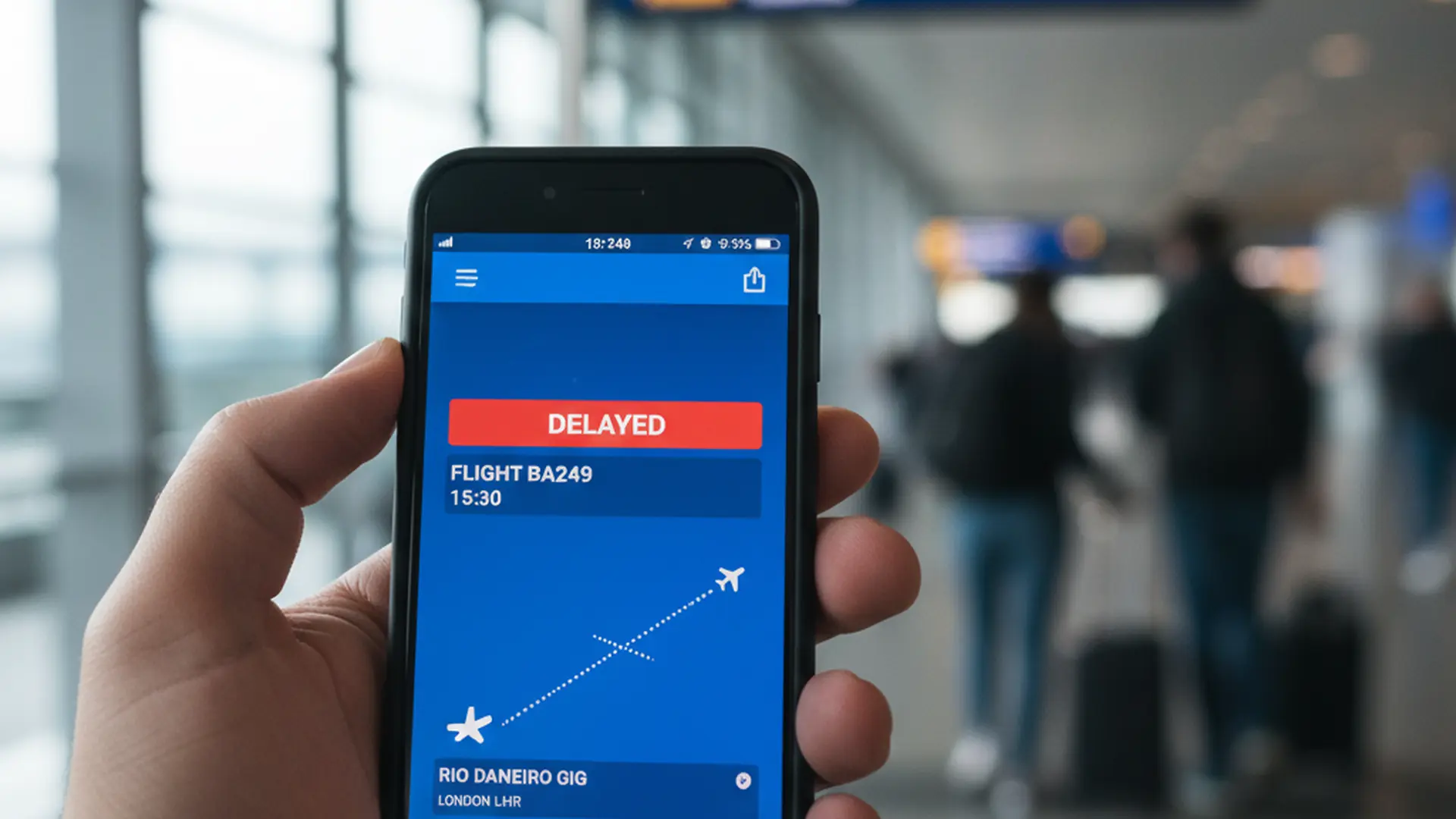
App #3: My Hotel Loyalty App (The One I Actually Stay At)
For me it’s Marriott Bonvoy. Yours might be Hilton, IHG, Hyatt — doesn’t matter. The principle is the same: pick one and learn to use its app like a remote control.
Three things the hotel’s own app does that I refuse to give up:
Mobile check-in. When I land at 1 AM in a city I don’t speak the language, walking up to the front desk while jet-lagged and trying to remember which credit card I booked with feels like an exam I’m going to fail. Mobile check-in skips that. The receptionist already has my room ready and just hands me a key.
Digital key. Not always reliable, but when it works, it’s a small mercy. Two trips ago I lost my plastic key in a sandwich shop in Mexico City. By the time I noticed, I was already walking back to the hotel. I unlocked the door with my phone, called the front desk in the morning, deactivated the lost key, got a new one. No drama.
Knowing about the upgrade before I land. When the app pushes a notification that my room has been upgraded, I know not to bother arriving early to “ask nicely” at the desk. When it says I’m in the originally booked room, I know it’s worth a polite ask. That alone saves me 10 minutes of awkward small talk every trip.
The piece I want to flag: don’t have three hotel apps. The whole point is consolidation. If you don’t have status anywhere, just pick the chain that has the most properties in the cities you actually visit and start there.
App #4: Wise — The Day I Stopped Getting Killed by FX Fees
I added Wise the year my credit card statement from a Costa Rica trip came back with $47 in foreign transaction fees on top of the actual charges.
$47 doesn’t bankrupt anyone. But it was the moment I realized I was donating to my bank every time I traveled.
Wise gives me a multi-currency account. I top it up in dollars from my US bank, convert to whatever currency I need before the trip (or while there, the rates are honest), and either spend with the Wise debit card or pull cash from a local ATM. The conversion fee is a fraction of what my regular cards charge, and I see it in plain text — not buried in a statement.
I still keep one good travel credit card for the points. But for ground-level spending — coffees, taxis, dinners that aren’t going on expense reports, gifts to bring home — Wise is the default.
The unexpected benefit: it forced me to set a budget. When I see “you’ve spent $310 EUR this week” in clean, real-time numbers, I make different choices than when it’s hidden behind delayed credit card postings.

App #5: Google Maps Offline — The One I Almost Forgot to Mention
Citymapper is excellent in cities where it works — London, Paris, Tokyo, New York. But it doesn’t cover everywhere I go. So I default to Google Maps with one specific habit: I download the offline map of every city I’m landing in, the day before I leave.
It takes thirty seconds. I do it from my couch on the home Wi-Fi. And it has saved me at least four times when:
- My eSIM didn’t activate until I’d already left the airport
- The hotel Wi-Fi was down and I needed to find dinner
- I was in a tunnel/metro/elevator and trying to confirm I was heading the right way
- The local mobile network just refused to talk to my US carrier
Offline maps don’t give you live traffic, but they give you something better: a working map that doesn’t depend on a working internet connection. That’s the difference between a 10-minute walk and a 45-minute panic.
The 3 Apps I Deleted After Disasters
Now the fun part. The apps I removed because they made my trips worse.
The “all-in-one” travel super-app. I won’t name it because there are several and they’re all the same shape. The pitch: book flights, hotels, transfers, tours, and restaurants from one screen. The reality: when something went wrong with a hotel booking in Munich, the airline pointed me at the super-app, the super-app pointed me at the hotel, and the hotel said the booking didn’t exist on their system. I spent two hours of a work trip standing in a lobby with a suitcase. Direct bookings, with the hotel’s app, ever since.
A specific cab-finder app. Three countries, three no-shows. Once in Bangkok, the driver canceled four times in a row and I missed the start of a customer dinner. The fourth driver to cancel did it while I was already standing on the curb in the rain — I watched the car icon turn around on the map and drive away. By the time I gave up and got into a regular taxi, my host was halfway through the appetizers and visibly annoyed. Now I either use the local equivalent of Uber (Grab in SE Asia, Bolt in Europe and parts of Africa, DiDi in some markets), or I let the hotel call me a taxi. The 90 seconds I save with the “smart” app aren’t worth the 30% chance of a no-show — and definitely not worth showing up late to a dinner where the host has been waiting for forty minutes.
A jet lag calculator that promised science. I won’t name it either. It told me to skip breakfast on Tuesday and chug coffee at 2 AM Wednesday and avoid screens — fine, I followed it for three trips. None of it worked better than the simple rule I stick to now: get sunlight on arrival day, eat meals on local time, no naps over 30 minutes, no booze on the plane. The app was overengineering a problem that just needs discipline.
An Honorable Mention: The eSIM App I Actually Use
I almost made this app #6, but it doesn’t get used as often as the others, so I’m putting it here.
I use Airalo for international data. The pitch is simple: install the app from home, buy a regional or country eSIM before you fly, activate it on landing, and you have data without paying $10 a day in roaming.
The first time I used it was a 2024 trip through three countries in eight days. Switzerland, Italy, then a quick day in France. I bought the “Eurolink” regional eSIM, activated it once at Zurich Airport, and it worked across all three countries without me thinking about it again. My old approach — buying a SIM card at a kiosk in each country — would’ve eaten an hour per arrival and left me with three useless SIM cards in my wallet at the end.
The reason it’s not in the top five: I don’t always need it. On a US trip or any trip where my home plan covers data well enough, I skip it. On a long international trip, I install it the night before. On a multi-country trip, it’s a small miracle.
One caveat: confirm your phone supports eSIM before you depend on it. Most phones from the last four or five years do, but the cheap travel phone you found in a drawer might not.
What Didn’t Quite Make the Cut
A few apps I keep but don’t depend on:
WhatsApp. Essential for talking to my family and to overseas customers, but I’m not counting it as a “travel app” because it’s just messaging. Bring it. Don’t think about it.
My airline’s app. Same — bring it, don’t overthink it. The boarding pass and gate updates are the value. Anything fancier the airline pushes (in-app games? upsells?) I ignore.
Calm or Headspace. I tried both. The actual reason I sleep on planes is bedtime discipline, eye mask, and not watching the seat-back screen for the last hour of the flight. I’d rather sleep on planes without pills than rely on a meditation app on shaky in-flight Wi-Fi.
An expense tracker. I use my company’s tool, which is awful. Nothing fixes that. No app on my phone is going to bridge the gap between a receipt photo and a finance team that wants the original PDF emailed in a specific format. I gave up trying.
The Phone Discipline I Stick To On the Road
Apps are tools. They’re not the trip. The two rules I won’t break, no matter how good a new app looks:
1. Nothing new on my phone the week before a trip.
If I read about a great new travel app on a Tuesday, I write it down and try it from home over a quiet weekend. I don’t install it the night before flying out. The last thing I want at 5 AM in a Frankfurt taxi is to be learning a new app instead of using a tool I trust.
2. Every app earns its place once a year.
Around January, I do a 30-minute audit. Anything I haven’t opened on the road in the last 12 months gets deleted. Apps are like socks: the ones with holes feel fine in the drawer until you actually need them.
That’s the whole list. Five apps that earn their place. Three that didn’t. A handful I keep for inertia. And one rule that keeps me from doing this all over again next year.
If you’re newer to business travel, this is the kind of thing I wish someone had told me — along with the realization, after years of doing it the lonely way, that started adding 2 to 3 nights to work trips changed more about how I travel than any app ever could. The phone helps. But the phone isn’t the point.
The point is showing up to the meeting on Monday like a real person. Apps just keep you from getting in your own way before you do.

Title: The pre-flight playbook
Apps are useless if the 24 hours before takeoff are chaos. Here’s the checklist I run every time.
Inside:
- What I do exactly 24 hours before
- The 6 things in my carry-on, every trip
- How I avoid the 4 AM panic packing
The apps, at a glance
| App | Verdict | Why |
|---|---|---|
| Google Flights | Keep | Price-tracking radar on my regular routes. I still book direct with the airline so there’s a human to call when it goes sideways. |
| TripIt | Keep | Forward every confirmation email, get one shared itinerary. My wife sees it, and it doubles as a tax record. |
| Hotel loyalty app (Marriott Bonvoy) | Keep | Mobile check-in at 1 AM, digital key, upgrade alerts. Pick one chain and learn it cold. |
| Wise | Keep | Multi-currency account that ended the foreign transaction fees. Killed the $47 FX charge from a Costa Rica trip. |
| Google Maps Offline | Keep | Download the city before you land. Saves you when the eSIM won’t activate and the hotel Wi-Fi is a lie. |
| “All-in-one travel super-app” | Deleted | Hotel had no record of my booking. Two hours in a Munich lobby with my suitcase. Now I book direct. |
| Cab-finder app | Deleted | Three countries, three no-shows. Bangkok driver canceled four times in the rain. Missed the dinner appetizers. |
| Jet lag calculator | Deleted | Skip breakfast Tuesday, coffee at 2 AM? Nonsense. Sunlight on arrival, meals on local time, beats the app. |
FAQ
What’s the best app for avoiding foreign transaction fees?
Wise. It’s a multi-currency account, so I deposit dollars, convert to the trip’s currency, and spend off the debit card or pull cash from an ATM. It’s what ended the $47 in FX fees I racked up on a Costa Rica trip, and the real-time tracking keeps my spending honest.
Should I book hotels through a travel super-app?
No. I tried an all-in-one super-app and the hotel had no record of my reservation. I burned two hours in a Munich lobby with my suitcase sorting it out. Book direct with the hotel so there’s an actual person accountable when something breaks.
How do I stop my phone filling up with travel apps?
Two rules. Nothing new goes on the phone the week before a trip. And once a year, in January, I delete anything I haven’t opened on the road in twelve months. The phone helps, but the phone isn’t the point.